How to organise your phone contacts
Four passes, in order. Most of the work is deleting.
Short answer
Work in four passes and finish each before starting the next. Delete what is dead, merge the duplicates, rewrite names the way you would search for them, and only then label the few dozen contacts you need to find by role rather than by name. Most address books are not disorganised so much as unlabelled and half dead, so the deleting pass is the one that does the real work.
Start by deleting, not by organising
An address book that has been running for ten years is mostly archaeology: the letting agent for a flat you left in 2016, three numbers for a company that no longer exists, a taxi driver from one holiday. None of it will ever be searched for, and all of it is what makes scrolling useless.
Go through the list once with a single question — would I ever ring this? Delete on the first no. A thousand contacts usually lose a third of their entries in twenty minutes, and every pass after this one gets faster because of it.
Merge the duplicates before you rename anything
Duplicates come from the same person arriving twice: once from the SIM, once from an email account, once from a messaging app. Renaming both halves of a duplicate is wasted work, so merge first. Android's Contacts app has a Merge and fix screen that catches exact matches; the near-matches are yours to find.
- Same name, two numbers — keep both numbers on one contact.
- Same number, two names — keep the name you would actually search for.
- Mum and Mom, or a mobile saved twice with and without the country code — these never show up as exact matches.
- A name with no number and no email is not a contact. It is a note you left yourself.
Name people the way you would search for them
The name field is a search index, not a label. If you would look for “Ahmed the electrician”, then that is the name. If you have four people called Ahmed, none of them should be saved as Ahmed.
Pick one convention and apply it to everybody: given name, family name, then the thing that tells them apart. Which convention you choose matters far less than using the same one every time, because the search box only rewards you when the distinguishing word is always in the same place.
Label the twenty you actually need
This is the pass everyone wants to start with, and the one to leave until last — by now the list is short enough to see. Labels, which Android calls labels and TreeLinker calls tags, are for the contacts you look for by role rather than by name: the dentist, the plumber, the school, the four people you would ring in an emergency.
Do not try to label everybody. A taxonomy you will not maintain is worse than none, because it makes the list look organised while quietly being wrong.
What tidying cannot fix
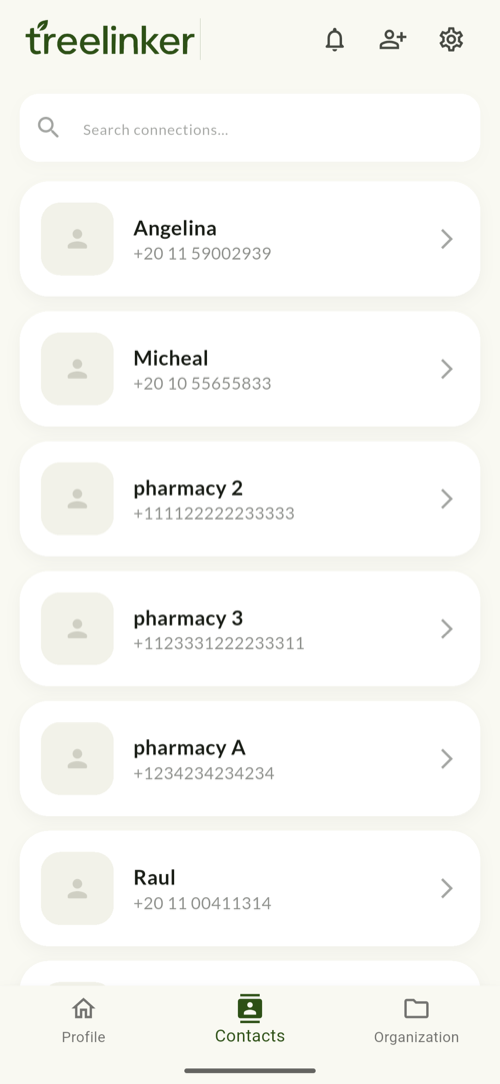
None of this tells you who these people are to each other. An address book is a flat list by design: it knows Angelina's number and Micheal's number, and nothing about the fact that one is the other's sister. If the thing you keep losing is which cousin, whose in-law, or who is calling, that is a relationship problem rather than an organisation problem — and it is the layer TreeLinker adds on top of the list you have just cleaned up.
Frequently asked questions
How long does this take?
About an hour for a thousand contacts, most of it in the deleting pass. Do it in one sitting rather than in five-minute bursts: merging and renaming only work when you can see the whole list.
Should I delete a contact or archive it?
Android has no archive. If deleting makes you uneasy, export a vCard copy of the whole address book first and then delete freely — the export is your undo.
Do labels move to a new phone?
Labels created inside a Google account sync with that account. Labels created only on the handset stay on the handset, which is why people lose them at upgrade time.
Does TreeLinker change my phone contacts?
It does not rename, merge or delete anything in your address book — it keeps its own relationships, tags and notes alongside it. The one time it writes to your address book is when you accept a tag another user has shared with you, which adds the people in that tag you do not already have.
TreeLinker — a family relationship management app.
Related pages
How to back up your phone address book safely
Sync is not a backup. The five-minute account setup, the quarterly vCard export, and why that export is the most sensitive file you will ever own.
A contact manager organised by relationship
A contact manager that organises people by how they are related to you, not just by name. Groups, tags, per-contact timelines and key dates, stored on your device.
How to add tags to contacts
Tags are private labels that cut across groups — Doctor, Plumber, a city. How to choose tags that stay useful and how assignment works in TreeLinker.
Start with the contacts you already have
TreeLinker is free on Google Play. No ads, no subscription, and your address book never leaves your phone.
Android. Free. No account required to browse your own contacts.