How to back up your phone address book safely
Two copies, kept for different reasons: one that follows your phone, and one that does not.
Short answer
Turn on account sync so your contacts are written to a Google or iCloud account instead of only to the handset, then export a vCard file every few months and keep it somewhere encrypted that you control. Sync is what survives a lost phone; the dated export is what survives a deletion, because sync copies a mistake as faithfully as it copies anything else. Treat the export as what it is — a plain-text list of everyone you know.
Sync is not a backup
Sync keeps two copies identical. That is exactly what you want when a phone goes into a river, and exactly what you do not want when you delete forty contacts by accident — the deletion is copied within seconds to every device you own.
A backup is a copy that does not change when the original does. Sync, by definition, is not one. So do both: the account is what survives losing the phone, and a dated export is what survives you.
Turn on account sync
Five minutes, once. The account a contact belongs to is the single most common reason contacts vanish during a phone upgrade: they were saved to the handset or the SIM, and neither of those travels.
- Android: Settings, then Passwords and accounts, then your Google account, then Account sync, and check that Contacts is on.
- Then open Contacts, start a new entry, and look at which account it offers to save to. If it says Device or SIM, nothing you add is being synced anywhere.
- iPhone: Settings, then your name, then iCloud, then Contacts.
- If you use two accounts — a personal one and a work one — decide which is the real address book. Split address books are how half of a family ends up on one phone only.
Export a vCard, and put the date in the filename
Every contacts app can write a .vcf file: one plain-text file holding the whole address book, readable by every phone, every mail client and every other contacts app. Export one, name it with today's date, and keep it somewhere that is not the phone.
Do it quarterly, and always before the three moments that eat address books — a phone upgrade, a change of Google account, and a large clean-up session.
Your export is a file of everyone you know
This is the part that the word safely refers to. A .vcf file has no password and no encryption. It holds every name, number, email address, postal address, birthday and note you have saved about hundreds of people, none of whom chose to be in it. Emailing it to yourself leaves it in a mailbox for years; dropping it in a shared cloud folder shares it.
- Keep it in encrypted storage: a password-protected archive, an encrypted disk, or a password manager that takes file attachments.
- Do not email it to yourself, and do not put it in a folder anyone else can open.
- Delete the old export when you take a new one. Three years of stale copies is three times the exposure and no extra safety.
- Be careful with apps that advertise contact backup. In an app store listing, backup very often means upload to our server, and the listing rarely says whose.
Where TreeLinker fits, and where it does not
TreeLinker is not a backup for your address book, and it would be dishonest to present it as one. It does not upload your contacts: the only thing taken from them is a normalised phone number, used to check which of the people you already know are TreeLinker users. Notes, postal addresses, email addresses and contact photos are read on the device and stay there.
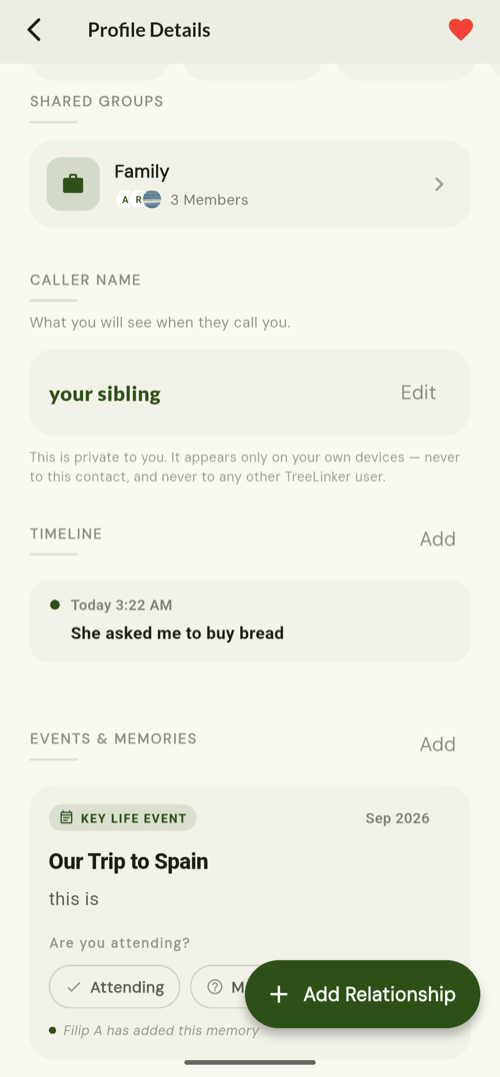
What it does keep on your account is the layer you built yourself — the relationships, the name you saved for each person you placed in your tree, your tags, memories, timeline entries, group membership and favourites. That is what comes back when you reinstall the app or sign in on a new phone. The structure returns; the address book does not, which is why you still want the vCard.
Frequently asked questions
Does TreeLinker back up my contacts?
No, and it is not built to. It stores the relationships, tags, memories and timeline entries you create, plus the name you saved for anyone you placed in your family tree. The address book itself stays on your phone and in whatever account you sync it with.
Is Google Contacts enough on its own?
For a lost phone, yes. For an accidental deletion, Google keeps thirty days of undo under Contacts, Settings, Undo changes. After thirty days only your own export will help.
How often should I export?
Quarterly is enough for most people, plus one before any phone upgrade and one before a large clean-up.
What about SIM or messaging-app backups?
A SIM holds a few hundred entries with names and numbers only — no second numbers, no email addresses, no photos. Messaging apps back up their own chats, not your address book. Neither replaces a vCard.
TreeLinker — a family relationship management app.
Related pages
Is it safe to store your address book in TreeLinker?
The honest version: you do not store it in TreeLinker at all. Exactly what leaves your phone, what stays on it, what is kept on your account, and which part is genuinely worth thinking about.
How to organise your phone contacts
A one-evening method for an address book ten years deep: delete what is dead, merge the duplicates, name people the way you would search for them, then label only the ones you actually need to find.
Contacts
Your phone's address book, read on device, searchable, and extended with relationships, groups, tags, timelines and memories.
Start with the contacts you already have
TreeLinker is free on Google Play. No ads, no subscription, and your address book never leaves your phone.
Android. Free. No account required to browse your own contacts.