How to remember family birthdays
A date in a calendar is detached from the person. A date on the person is not.
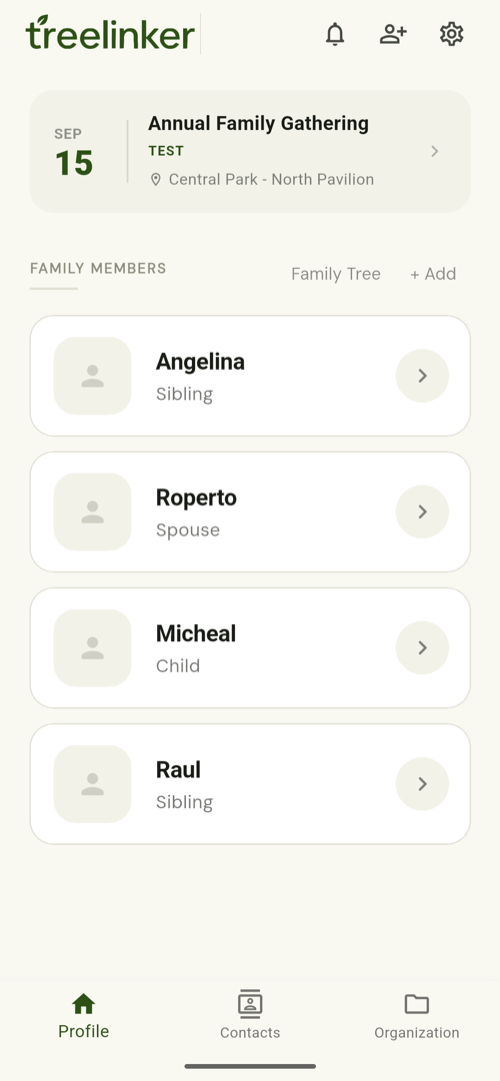
Short answer
Record each birthday or anniversary as a key date attached to the contact it belongs to, rather than as a calendar entry. Key dates recur every year, and the ones approaching appear in TreeLinker's upcoming events. Because the date sits on the person, opening that contact shows it alongside everything else you know about them — the relationship, the shared memories and the history of contact.
Key dates recur; events do not
A key date is an anniversary that comes back every year — a birthday, a wedding date, the day someone died. An event happened once. Recording the right kind determines whether it ever surfaces again.
Add them while you are already there
The moment to record a birthday is when you are looking at the person's contact for some other reason. A dedicated afternoon of data entry never happens.
Let upcoming events do the surfacing
Key dates that are approaching appear in the upcoming events section, so you see them without having to go looking. There are no push reminders yet, so this works best if you open the app regularly.
Frequently asked questions
Will it send me a notification?
Not today. Upcoming key dates surface inside the app; push reminders are not implemented yet.
Does it read birthdays from my phone contacts?
Contacts carry a birthday field that TreeLinker can use. Key dates you add yourself are separate and richer.
Can a key date belong to a group?
Yes. Groups can hold their own memories, including key dates.
TreeLinker — a family relationship management app.
Related pages
Events and key dates
Birthdays, weddings and anniversaries recorded on the people they belong to, with the ones approaching surfaced in the app.
A family organiser that keeps decisions findable
Organise relatives into private groups, label contacts with your own tags, and settle family decisions with polls and named discussions that stay findable.
How to document family memories
Record family stories while the people who remember them are still here — attached to the people they are about, with photos, dates and places.
Start with the contacts you already have
TreeLinker is free on Google Play. No ads, no subscription, and your address book never leaves your phone.
Android. Free. No account required to browse your own contacts.