How to manage hundreds of contacts
Past a few hundred people, an alphabetical list is a filing cabinet with no labels.
Short answer
A large address book fails because alphabetical order encodes nothing you actually remember. Fix it in three moves: record relationships so people can be found through each other, add private tags for the handful of attributes you genuinely search by, and use search rather than scrolling. Do not attempt to classify everyone — the value sits in the fifty or so contacts you repeatedly need to find again, not in a complete taxonomy you will abandon by next month.
Why alphabetical stops working
Sorting by name only helps when you remember the name. Past a certain size, the common failure is the opposite: you remember that someone is your uncle's neighbour, or the electrician your brother recommended, and not what they are saved as.
Every other organising scheme exists to cover that case.
Relationships make people findable through each other
Once people are connected, you can reach a contact by navigating from someone you do remember. That is how you actually think about people you know through other people.
Tag only what you search by
Tags earn their place when they answer a question you have actually asked: who is a doctor, who lives in this city, who do I call in an emergency.
Tagging everyone with everything produces a system nobody maintains. Five to ten tags used consistently beats fifty used once.
Search, and let duplicates collapse
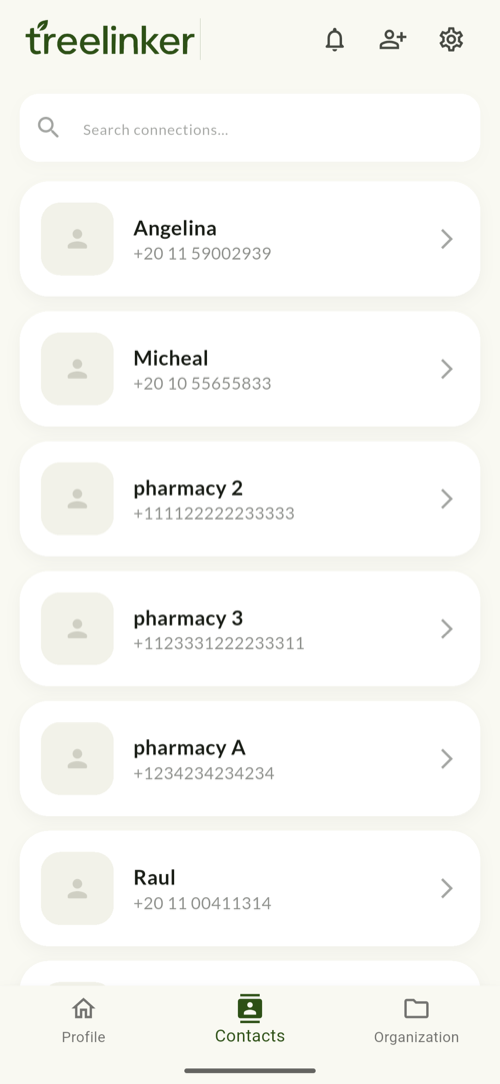
TreeLinker filters a large list against a prebuilt index as you type, so several thousand contacts stay fast.
The same person often exists as several records — a device contact, a second number, a synced stub. Those are folded together wherever a list is shown, so a crowded address book does not become a crowded tree.
Frequently asked questions
Will it delete my duplicate contacts?
No. It collapses duplicates when displaying lists; it does not merge the underlying records in your phone's address book.
Is there a limit on contacts?
No practical limit. Search is indexed rather than re-scanned, so large lists stay responsive.
Do I have to organise everything before it is useful?
No. Twenty relationships and a handful of tags already change how findable your address book is.
TreeLinker — a family relationship management app.
Related pages
A contact manager organised by relationship
A contact manager that organises people by how they are related to you, not just by name. Groups, tags, per-contact timelines and key dates, stored on your device.
Contacts
Your phone's address book, read on device, searchable, and extended with relationships, groups, tags, timelines and memories.
How to add tags to contacts
Tags are private labels that cut across groups — Doctor, Plumber, a city. How to choose tags that stay useful and how assignment works in TreeLinker.
Start with the contacts you already have
TreeLinker is free on Google Play. No ads, no subscription, and your address book never leaves your phone.
Android. Free. No account required to browse your own contacts.